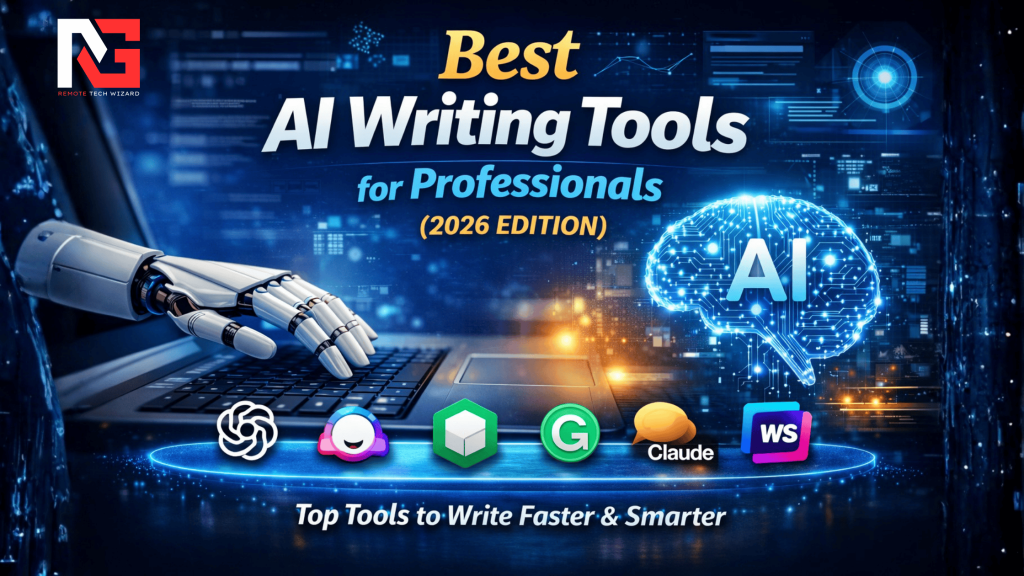
Writing at a professional level requires speed, accuracy, consistency, and clarity. In 2026, AI writing tools have become essential for professionals who create reports, marketing copy, emails, blogs, documentation, and long-form content at scale. The best AI writing tools for professionals don’t just generate text — they improve workflow, reduce editing time, and help maintain a consistent brand voice.
This guide reviews the top 10 AI writing tools for professionals, selected based on real-world usability, writing quality, collaboration features, integrations, and value for money. Whether you’re a content writer, marketer, business owner, freelancer, or corporate professional, these tools are built to support serious work.
Why Professionals Use AI Writing Tools
Professional-grade AI writing tools help with:
-
Faster drafting and editing
-
Grammar, tone, and clarity improvement
-
SEO optimization and content structuring
-
Email, report, and business document creation
-
Reducing repetitive writing tasks
Used correctly, AI writing tools enhance human writing, not replace it.
How We Evaluated These Tools
Each tool was evaluated based on:
-
Writing quality and accuracy
-
Professional use cases (business, marketing, long-form)
-
Ease of use and learning curve
-
Collaboration and export options
-
Pricing vs value
-
Reliability for daily professional work
🔟 Top 10 Best AI Writing Tools for Professionals (2026)
1. ChatGPT (GPT-4.5+) — Best Overall AI Writing Tool
Best for: All-purpose professional writing
Price range: Free / Paid plans
ChatGPT is the most versatile AI writing assistant available. It excels at drafting, rewriting, summarizing, outlining, and adapting tone for different audiences.
Key strengths
-
Long-form writing
-
Business emails and reports
-
Editing and rewriting
-
Multilingual support
Pros
-
Extremely flexible
-
Natural writing quality
-
Supports complex instructions
Cons
-
Requires good prompts for best results
2. Jasper — Best for Marketing & Brand Voice
Best for: Marketing teams, agencies
Price range: Mid to high
Jasper is designed for professional marketing content with brand voice control and team collaboration.
Key strengths
-
Brand voice memory
-
Marketing templates
-
Campaign-based writing
Pros
-
Excellent for consistent brand messaging
-
Team-friendly
Cons
-
Expensive for solo users
3. Copy.ai — Best for Business & Sales Writing
Best for: Sales teams, startups
Price range: Mid
Copy.ai focuses on short-form and business writing such as sales emails, landing pages, and outreach messages.
Pros
-
Fast outputs
-
Strong business tone
Cons
-
Not ideal for long-form content
4. Writesonic — Best for SEO Content Creation
Best for: Bloggers, SEO professionals
Price range: Low to mid
Writesonic is optimized for SEO writing, blog posts, and web content.
Pros
-
SEO-focused outputs
-
Easy blog generation
Cons
-
Needs editing for originality
5. GrammarlyGO — Best for Editing & Tone Control
Best for: Professionals polishing existing writing
Price range: Free / Paid
GrammarlyGO enhances clarity, tone, and professionalism rather than generating long content.
Pros
-
Excellent grammar and tone suggestions
-
Works inside emails and documents
Cons
-
Not a full content generator
6. Notion AI — Best for Documentation & Team Notes
Best for: Teams, documentation
Price range: Add-on pricing
Notion AI integrates directly into workspace documents for summarizing, rewriting, and organizing content.
Pros
-
Seamless workspace integration
-
Great for internal docs
Cons
-
Limited creativity
7. Claude — Best for Long-Form & Professional Tone
Best for: Reports, policy writing
Price range: Free / Paid
Claude is known for structured, calm, and professional writing, especially in long documents.
Pros
-
Excellent reasoning
-
Handles long text well
Cons
-
Less creative than ChatGPT
8. Sudowrite — Best for Creative Professionals
Best for: Authors, storytellers
Price range: Mid
Sudowrite is tailored for fiction and creative writing rather than business content.
Pros
-
Excellent creative suggestions
-
Enhances narrative flow
Cons
-
Not suitable for business writing
9. Rytr — Best Budget AI Writing Tool
Best for: Freelancers, beginners
Price range: Low
Rytr offers basic AI writing at an affordable price.
Pros
-
Very affordable
-
Simple interface
Cons
-
Output quality is average
10. QuillBot — Best for Rewriting & Paraphrasing
Best for: Academic and professional rewriting
Price range: Free / Paid
QuillBot excels at paraphrasing, summarizing, and sentence restructuring.
Pros
-
Excellent rewriting accuracy
-
Useful for refining drafts
Cons
-
Not a content creator
Comparison Summary
-
Best Overall: ChatGPT
-
Best for Marketing: Jasper
-
Best for SEO: Writesonic
-
Best Editor: GrammarlyGO
-
Best for Long Documents: Claude
-
Best Budget: Rytr
How to Choose the Right AI Writing Tool
Ask yourself:
-
Do you need long-form or short-form writing?
-
Is SEO important?
-
Do you need collaboration features?
-
Is brand voice consistency critical?
-
What’s your monthly budget?
Most professionals benefit from using two tools:
one for creation (ChatGPT/Jasper) and one for editing (GrammarlyGO).
FAQs
Are AI writing tools safe for professional use?
Yes, but sensitive data should be avoided unless enterprise-grade privacy is guaranteed.
Can AI writing tools replace human writers?
No. They assist, not replace, professional judgment and creativity.
Which AI tool is best for business writing?
ChatGPT, Jasper, and Claude are best for business use cases.
Final Verdict
The best AI writing tools for professionals in 2026 are those that improve speed without sacrificing quality. ChatGPT remains the most powerful all-rounder, while tools like Jasper, GrammarlyGO, and Claude specialize in professional-grade use cases. Choosing the right tool depends on your workflow, not hype.
Affiliate Disclaimer
This article may contain affiliate links. We may earn a commission if you purchase through these links, at no extra cost to you. Affiliate earnings help support ongoing content creation at Remote Tech Wizard.